Reinstalling Arch Linux
Published on 2025-12-15 by Kevin Zarate
“I use Arch BTW”
Oh, you’re using Windows? That’s… unfortunate. I mean, I guess it’s fine for people who don’t really care about controlling their system. And macOS? Bro, you literally paid for UNIX with a pretty UI slapped on it. But hey, I’m sure you really needed those rounded corners and animations. But me? I use Arch, by the way. Yeah, it’s a bit more sophisticated, something you probably wouldn’t understand unless you’ve experienced it.
Ok, I’m doing being a fat neckbeard. I’ve been using Linux since sophomore year in high school. I originally had a dual boot set up going on a single drive, but Windows 10 decided to kill itself so Manjaro’s ext4 partition got to cannibalize that hard drive space.
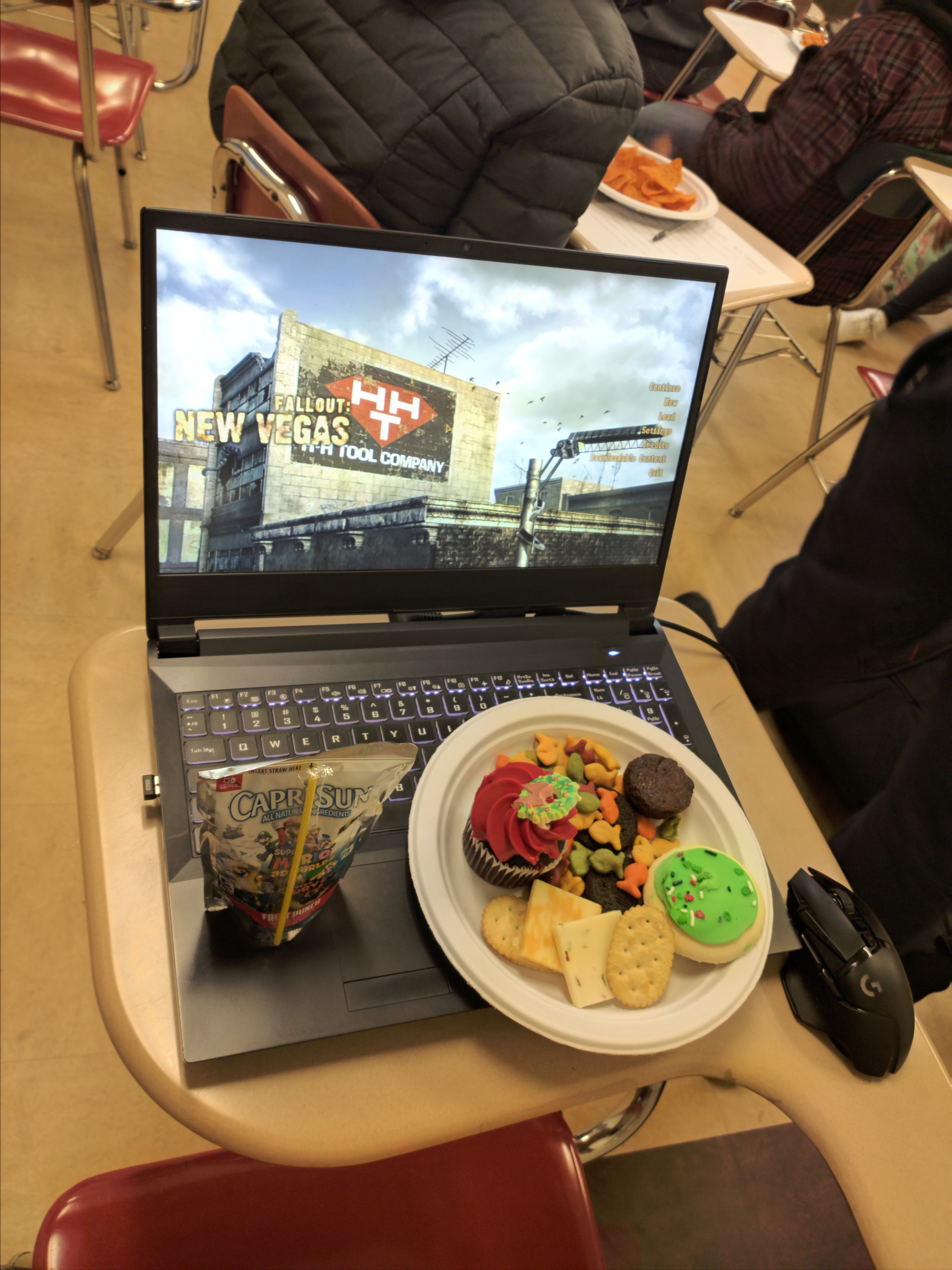
This is the only picture I have from that time
It started out with some techno schizo privacy larp. I did not want Bill Gates to know about my Rena Andou addiction. That plus Louis Rossmann actually got me interested in digital privacy and rights. Eventually I migrated from Manjaro to EndeavourOS due to various issues.
- Delaying packages causes instability issues
- Manjaro let their SSL certificates expire not once, not twice, not thrice, but four times.
- They told uses to change their clocks to access their website, very unprofessional and embarassing
- They DOSSed the Arch User Repository by accidents from users browsing the AUR through the Pamac package manager
- Funding and leadership issues
- Apparently most of the development was done by one dude who hates his business managers
- Broke btw
I will cite no sources besides telling any poor soul reading this to google it themselves. Random depenency issues pushed to EndeavourOS, which I consider to be Arch with a GUI installer and shall make no research to change my beliefs. Then Arch a few months because I wanted to join the crowd.
I have to admit, I used the archinstall menu. After my brother got into some legal troubles, I took the time to back up my /home directory and reinstall my operating system The Arch Way. I wanted to use BTRFS for snapshot support, put my /home directory on a seperate hard drive from my /boot SDD, and LUKS to encrypt my partitions. I unfortunately suck at storytelling so I’m just going to paste commands and maybe what they do. My site, my rules.
Parition the disks for a 512M EFI system and a Linux filesystem:
cfdisk /dev/nvme0n1
cfdisk /dev/sda
Encrypt and open the Root Partition:
cryptsetup luksFormat /dev/nvme0n1p2
cryptsetup open /dev/nvme0n1p2 cryptroot
cryptsetup luksFormat /dev/sda1
cryptsetup open /dev/sda1 crypthome
Format and create subvolumes for BTRFS (idk what that second part does)
mount /dev/mapper/cryptroot /mnt
btrfs subvolume create /mnt/@
btrfs subvolume create /mnt/@var
btrfs subvolume create /mnt/@snapshots
umount /mnt
Mounting and installing Arch
mount -o noatime,compress=zstd,subvol=@ /dev/mapper/cryptroot /mnt
mkdir -p /mnt/home /mnt/boot /mnt/var /mnt/.snapshots
mount -o noatime,compress=zstd /dev/mapper/crypthome /mnt/home
mount -o noatime,compress=zstd,subvol=@var /dev/mapper/cryptroot /mnt/var
mount -o noatime,compress=zstd,subvol=@snapshots /dev/mapper/cryptroot /mnt/.snapshots
mount /dev/nvme0n1p1 /mnt/boot
pacstrap /mnt base linux linux-firmware vim git networkmanager btrfs-progs amd-ucode (or intel-ucode) efibootmgr grub base-devel nano
genfstab -U /mnt >> /mnt/etc/fstab
Entering the System
arch-chroot /mnt
ln -sf /usr/share/zoneinfo/America/New_York /etc/localtime
hwclock --systohc
echo "<Computer Name>" > /etc/hostname
vim /etc/locale.gen # uncomment (remove #) from en_US.UTF-8 UTF-8
locale-gen
echo "LANG=en_US.UTF-8" > /etc/locale.conf
nano /etc/mkinitcpio.conf # Change the HOOKS line to HOOKS=(base udev autodetect modconf kms keyboard keymap consolefont block encrypt filesystems fsck)
mkinitcpio -P
passwd
useradd -m -G wheel -s /bin/bash kevinz
passwd kevinz
EDITOR=vim visudo # uncomment the line %wheel ALL=(ALL:ALL) ALL.
Bootloader hell
blkid /dev/nvme0n1p2
nano /etc/default/grub
cryptdevice=UUID=YOUR_UUID_HERE:cryptroot root=/dev/mapper/cryptroot
grub-install --target=x86_64-efi --efi-directory=/boot --bootloader-id=GRUB
grub-mkconfig -o /boot/grub/grub.cfg
pacman -S xorg pipewire pipewire-pulse wireplumber
pacman -S plasma-meta konsole dolphin sddm
pacman -S hyprland kitty waybar wofi
systemctl enable NetworkManager
systemctl enable sddm

mkdir /etc/luks-keys
dd if=/dev/urandom of=/etc/luks-keys/home.key bs=512 count=1
chmod 400 /etc/luks-keys/home.key

cryptsetup luksAddKey /dev/sda1 /etc/luks-keys/home.key

nano /etc/crypttab

# Add this line, it unlocks the /home partition after after booting
crypthome  /dev/sda1  /etc/luks-keys/home.key

# Exit Chroot
exit
umount -R /mnt
reboot
This should hopefully boot into the GRUB menu and ask for a password for booting. Once you get to a login screen you can select between hyprland and Plasma. This is not a guide, this might even work. I don’t feel like opening up a virtual machine to double check if I missed anything. I use Arch because I do whatever I want to customize it since it’s rather barebones and the Arch Wiki can answer any consequences I deserve.